
This page describes what Payment Connect can do, organized by capability. Each feature is written from a business perspective — what it does and why it matters. For gateway-specific setup and technical depth, see the Implementation Guide and Developer Guide.
💳 Payment Processing & Collection
The core of the platform: capturing payments securely and efficiently directly within Salesforce.
-
Flexible payment options — supports one-time, scheduled, and recurring transactions.
-
Multiple payment methods — process credit cards, debit cards, and ACH (Pay by Bank) payments.
-
Native payment console — collect payments directly from standard or custom objects (like Accounts or Opportunities) using an embedded Lightning Web Component.
-
Self-service links — generate and email secure, hosted payment request links allowing customers to pay on their own devices.
-
Outbound payouts — send funds directly to vendors, partners, or customers via ACH using the dedicated Payout Console.
📊 Real-Time Analytics & Tracking
Once a transaction is initiated, the platform tracks its lifecycle in real time, surfacing the metrics your finance teams act on.
-
Centralized audit trail — every transaction is tied to its corresponding Salesforce record for complete financial visibility.
-
Instant status updates — tracks payments automatically through stages like Authorized, Captured, Settled, Refunded, or Failed.
-
Custom dashboards — build native Salesforce reports to track KPIs like total revenue, failed transactions, billing cycle trends, and outstanding balances.
-
ACH return insights — automatically fetches and logs ACH return codes (e.g., R01, R07) to help teams resolve bank failures proactively.
🛡️ Enterprise-Grade Security & Compliance
Payment Connect is built with enterprise-grade security to protect sensitive financial data and ensure strict governance.
-
Secure tokenization — payment credentials are tokenized for future use, meaning raw card or bank data is never exposed.
-
Double AES-256 encryption — all sensitive data and stored tokens are heavily encrypted within the system.
-
Zero plain text storage — sensitive payment information is never stored natively in plain text in your Salesforce org.
-
PCI DSS compliant — mitigates risk exposure and ensures strict regulatory compliance without burdening your IT team.
🔗 Field Mapping & Salesforce Sync
Payment outcomes and billing data land on your existing Salesforce records, ready to use without external middleware.
-
100% Salesforce-native — no third-party integrations to manage; everything lives inside your CRM.
-
Flexible mapping — map billing addresses, emails, and payment amounts to any standard or custom object using simple Custom Metadata Types.
-
Parent record linking — automatically links generated Payment Transaction records back to your source objects.
🔄 Billing Automation & Self-Service
Automated billing cycles designed to reduce manual effort, eliminate data entry, and accelerate cash flow.
-
Recurring billing engine — automatically charges stored payment methods on weekly, monthly, or annual schedules.
-
Failed payment retries — configure the system to automatically retry failed recurring payments daily, or defer them to the next billing cycle.
-
Experience Cloud integration — enable customers to view open invoices, manage saved cards, and make payments through a secure self-service portal.
-
Automated refunds & voids — easily issue full or partial refunds for settled transactions, or void payments before they are captured.
⚙️ Triggers & Automation
Payment processing can be initiated however your workflow dictates.
-
Trigger options — initiate payments on-click via the UI, through automated Salesforce Flows, or via scheduled Apex.
-
Batch processing — native scheduled batch jobs handle bulk captures, transaction status refreshes, and recurring payment executions automatically behind the scenes.
-
Invocable actions — developers can trigger ACH requests, generate payment links, or issue refunds programmatically using built-in Apex wrappers.
🧩 Extensibility & Scalability
The platform adapts as your transaction volume and operational complexity grow, without requiring heavy code deployments.
-
Metadata-driven configuration — add new payment gateways, switch providers, or update field mappings purely through Salesforce configuration.
-
Enterprise scale — architecture built to reliably handle thousands to millions of transactions per month.
-
Multi-gateway redundancy — connect with multiple providers simultaneously to avoid vendor lock-in and ensure global payment uptime.
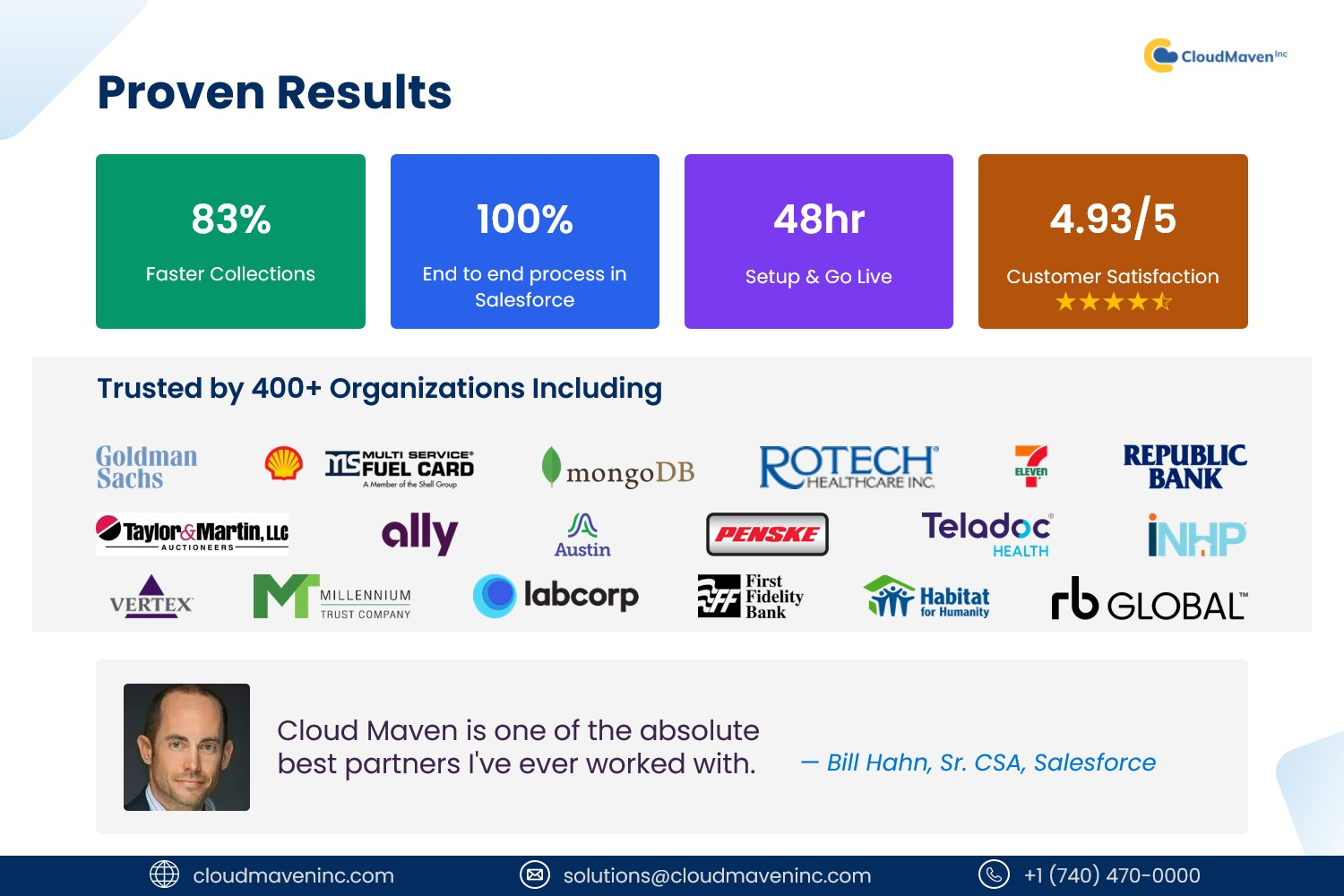
⭐ Proven Results
🔌 Supported Integrations at a Glance
Payment Connect integrates seamlessly with multiple payment providers. Each gateway operates independently and can be managed through Custom Metadata.
|
Provider |
Supported Methods |
Best For |
|
Actum |
ACH (Debit/Credit) |
Secure ACH processing, fast direct bank-to-bank transfers, both outbound and inbound payments, and real time return transaction update. |
|
Fiserv |
Card, ACH (Debit) |
Comprehensive authorization, capture, and refund workflows. |
|
UnityFi |
Card, ACH (Debit) |
Versatile gateway supporting both card and ACH transactions. |
|
Stripe, PayPal, Authorize.net |
Card, ACH |
Global expansion, redundant payment uptime, and diverse business models. |
For the full capability list and setup steps for each provider, see the Integrations guide.
👉 Related Pages
-
User Guide — Process your first payment and learn console operations.
-
Admin Guide — configure your org