
Executive Summary
Disconnected financial systems create hidden costs: duplicate records, delayed reporting, reconciliation backlogs, and compliance risk. The QuickBooks Connector solves this with a secure, Salesforce-native integration that keeps both systems in sync automatically.
What it delivers:
-
Bi-directional, real-time data sync between Salesforce and QuickBooks
-
Unified visibility of customers, invoices, bills, payments, and financial accounts
-
Native support for Salesforce automation (Flows, Apex, scheduled jobs)
-
Multi-company QuickBooks support in a single Salesforce org
-
30+ payment gateway integrations via Cloud Maven Payment Guru
-
Enterprise-grade security with role-based access and audit logging
Business Objectives
|
Objective |
Outcome |
|---|---|
|
Eliminate manual data entry |
Auto-sync customers, invoices, bills, payments, and products across both systems |
|
Improve financial visibility |
Surface QuickBooks data directly inside Salesforce |
|
Accelerate collections |
Track overdue balances and payment status in real time |
|
Streamline accounts payable |
Track vendor bills, due dates, and outstanding balances alongside receivables |
|
Enable smarter reporting |
Merge CRM and financial data in Salesforce dashboards |
|
Reduce reconciliation effort |
Automated sync removes duplicate and conflicting records |
|
Scale with the business |
Multi-company support and configurable sync for growing orgs |
Key Features
Two-Way Synchronization
Records updated in either system are automatically reflected in the other. Supports real-time, scheduled, or manual sync modes.
Synced objects: Customers · Invoices · Bills · Journal Ledgers · Payments · Products & Services · QuickBooks Accounts · QuickBooks Budget
QuickBooks Financial Data in Salesforce
View account balances, invoice status, and payment history without leaving Salesforce. Finance and sales teams work from the same data.
Vendor Bill & Accounts Payable Management
Create, sync, and manage QuickBooks vendor bills directly from Salesforce. Supports bill line items with billable/non-billable expense tracking, vendor and AP account mapping, sales terms, due dates, and tax detail sync — giving finance teams full visibility into payables alongside receivables.
Multi-Company Support
Connect multiple QuickBooks companies to a single Salesforce org. Ideal for enterprises, franchises, and businesses managing multiple subsidiaries.
Flexible Object & Field Mapping
Map standard or custom Salesforce objects to QuickBooks fields. No-code configuration covers most scenarios, reducing implementation time.
Custom Field Sync
QuickBooks custom fields are preserved and synced into Salesforce, maintaining organization-specific data structures.
Native Salesforce Automation
Fully compatible with Flows, Apex Triggers, Process Automation, and Scheduled Jobs. Embed QuickBooks operations directly into existing Salesforce workflows.
Payment Gateway Integration
Integrates with 30+ payment gateways (ACH, credit card, secondary gateways) through the Payment Guru platform — reducing processing costs and increasing flexibility.
Bulk & Historical Sync
Retrieve historical records in bulk for migrations, onboarding, and backfill reporting. Supports large-scale data ingestion without performance degradation.
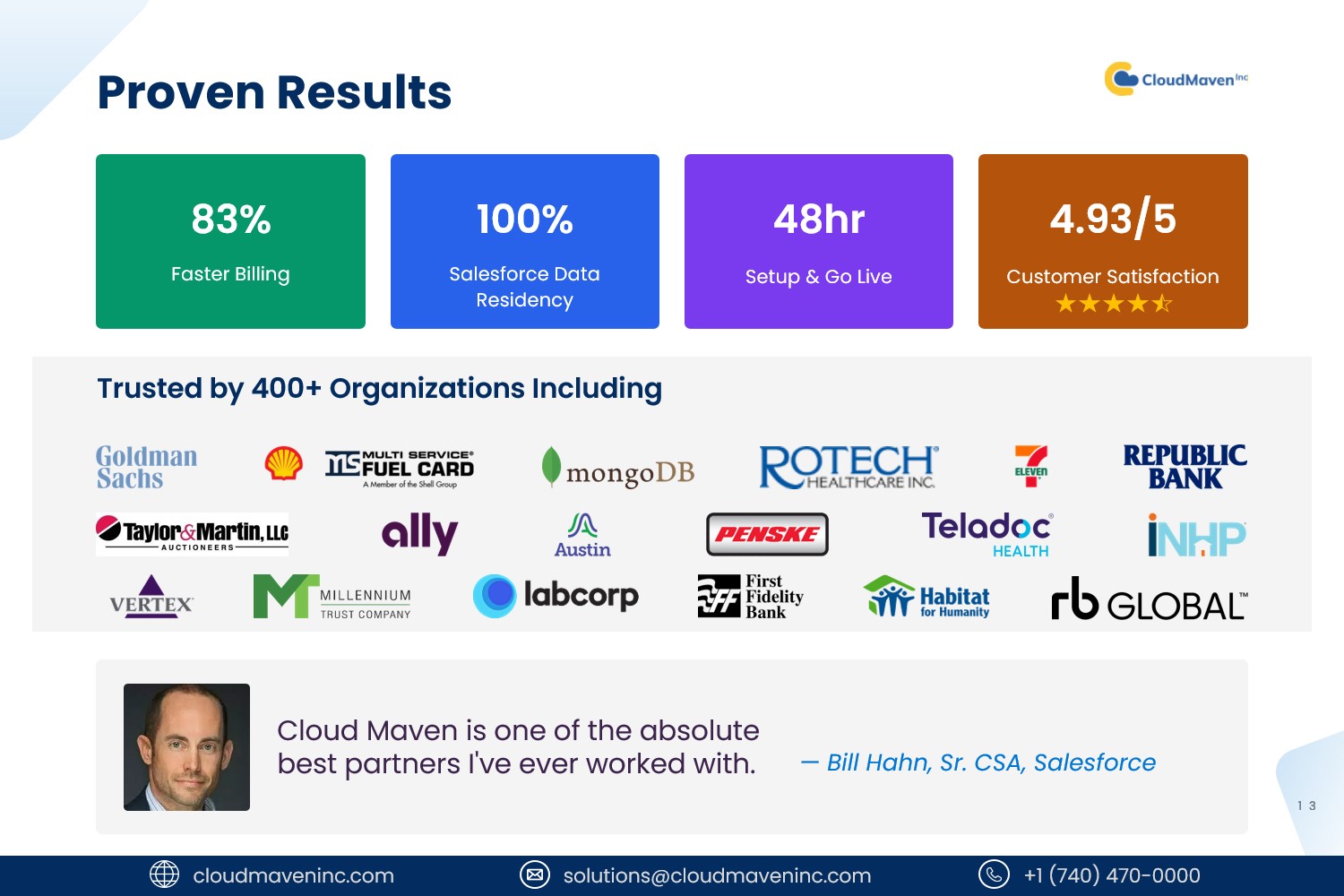
Proven Results
Competitive Comparison
|
Feature |
Cloud Maven |
Breadwinner |
DBSync |
|---|---|---|---|
|
Two-way sync |
✅ Real-time or batch |
✅ Real-time |
✅ Real-time |
|
Invoice & payment automation |
✅ Full |
⚠️ Partial |
⚠️ Partial |
|
Vendor bill / AP management |
✅ Full |
⚠️ Partial |
⚠️ Partial |
|
Custom object & field mapping |
✅ Extensive |
⚠️ Limited |
⚠️ Basic |
|
Native Salesforce automation |
✅ Flow, Apex ready |
⚠️ Limited |
⚠️ Extra config needed |
|
Financial dashboards |
✅ Included |
⚠️ Limited |
⚠️ Add-on |
|
Multi-company support |
✅ Included |
⚠️ Extra setup |
⚠️ Limited |
|
Payment gateway integrations |
✅ 30+ gateways |
❌ Not supported |
❌ Not supported |
|
Implementation speed |
✅ Fast |
⚠️ Consulting often required |
⚠️ Consulting often required |
|
Security architecture |
✅ Salesforce-native |
⚠️ External dependencies |
⚠️ External connectors |
Security & Governance
The connector is built on Salesforce-native architecture with enterprise-grade controls:
-
Role-based access controls
-
Secure OAuth authentication
-
Configurable sync governance and selective field mapping
-
Full audit logging and activity tracking
-
Scalable to support growing data volumes and additional business entities
Benefits by Team
|
Team |
Benefit |
|---|---|
|
Sales |
Real-time invoice and payment status during customer conversations |
|
Finance |
Automated reconciliation of receivables and payables; no manual data transfers |
|
Operations |
Reduced system switching; single platform for financial workflows |
|
IT / Admins |
No-code setup; native Salesforce tooling; minimal maintenance |
|
Leadership |
Combined CRM + financial reporting for forecasting and planning |