
Overview
After a TR CLEAR Court Search is completed, the search results are stored in Salesforce for review.
The Court Search can return records across the following categories:
-
Liens & Judgments
-
UCC Filings
-
Bankruptcy
Users can review the overall search record and then access the individual records returned for each category.
Review the Court Search Record
After the Court Search is completed, open the associated TR CLEAR Court Search record in Salesforce.
The record provides the overall details of the search, including:
-
Search Status
-
Search Date
-
Search Criteria
-
Parent Record
-
Search Response
-
Number of results returned
Access Court Search Results
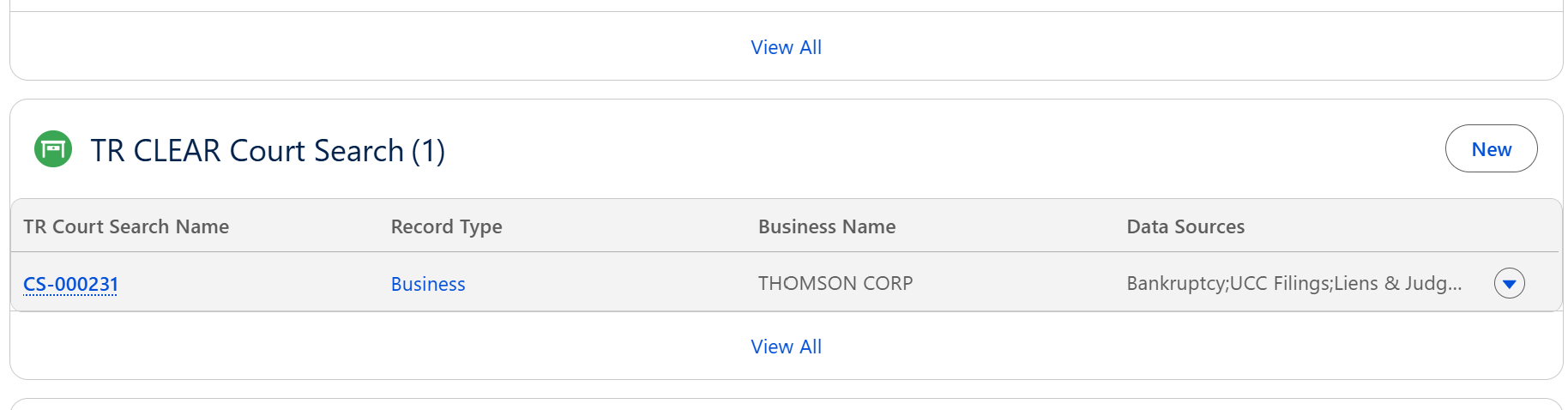
Navigate to the Related tab of the TR CLEAR Court Search record.
The Related tab provides access to the individual Court Search result records returned by the search.
Depending on the results, you can review:
-
Liens & Judgments
-
UCC Filings
-
Bankruptcy
Review Liens & Judgments
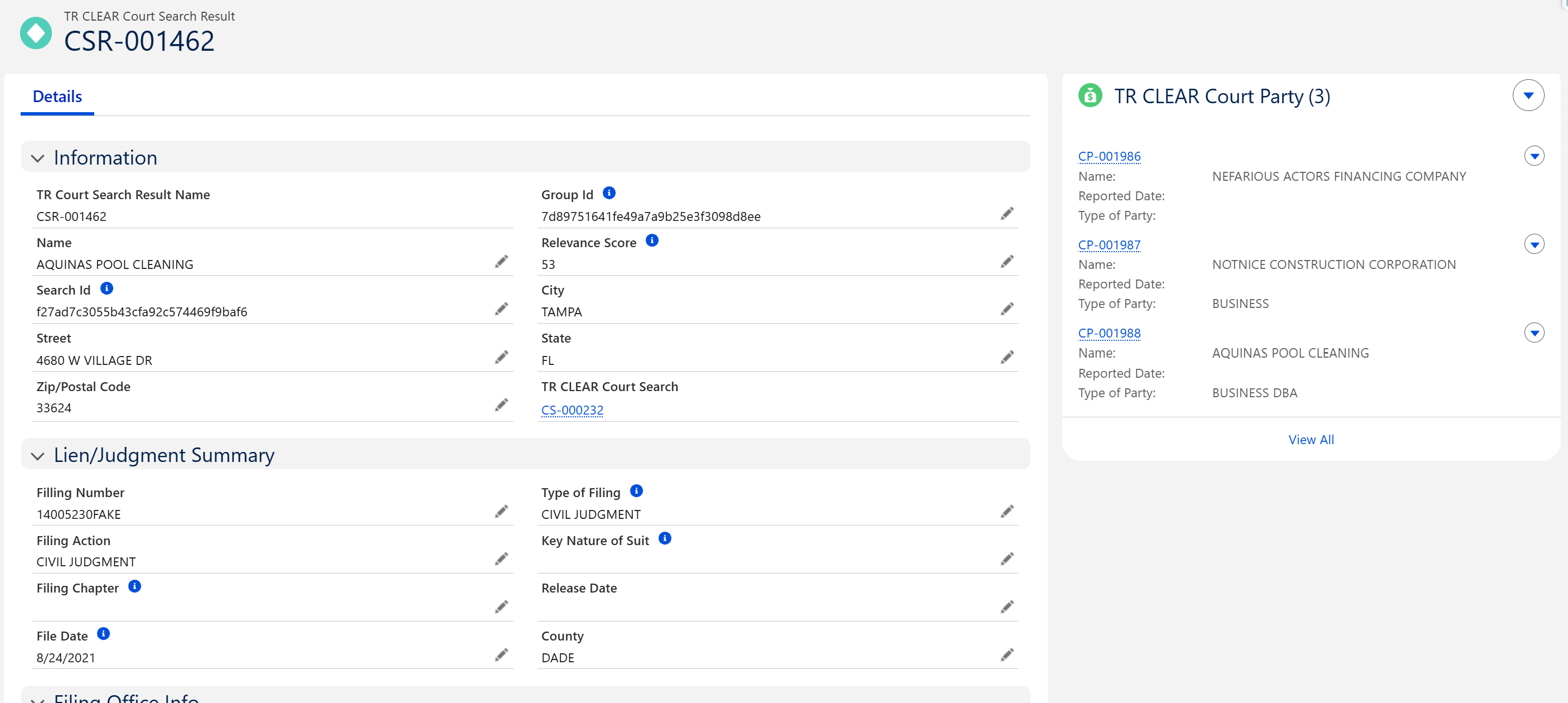
Open the associated Liens & Judgments record to review the details of the returned filing.
Review information such as:
-
Lien or Judgment Type
-
Filing Date
-
Case or Filing Number
-
Debtor Information
-
Creditor Information
-
Court or Filing Location
-
Status
-
Amount, when available
Review the record to determine whether the lien or judgment is associated with the correct individual or business.
Review UCC Filings
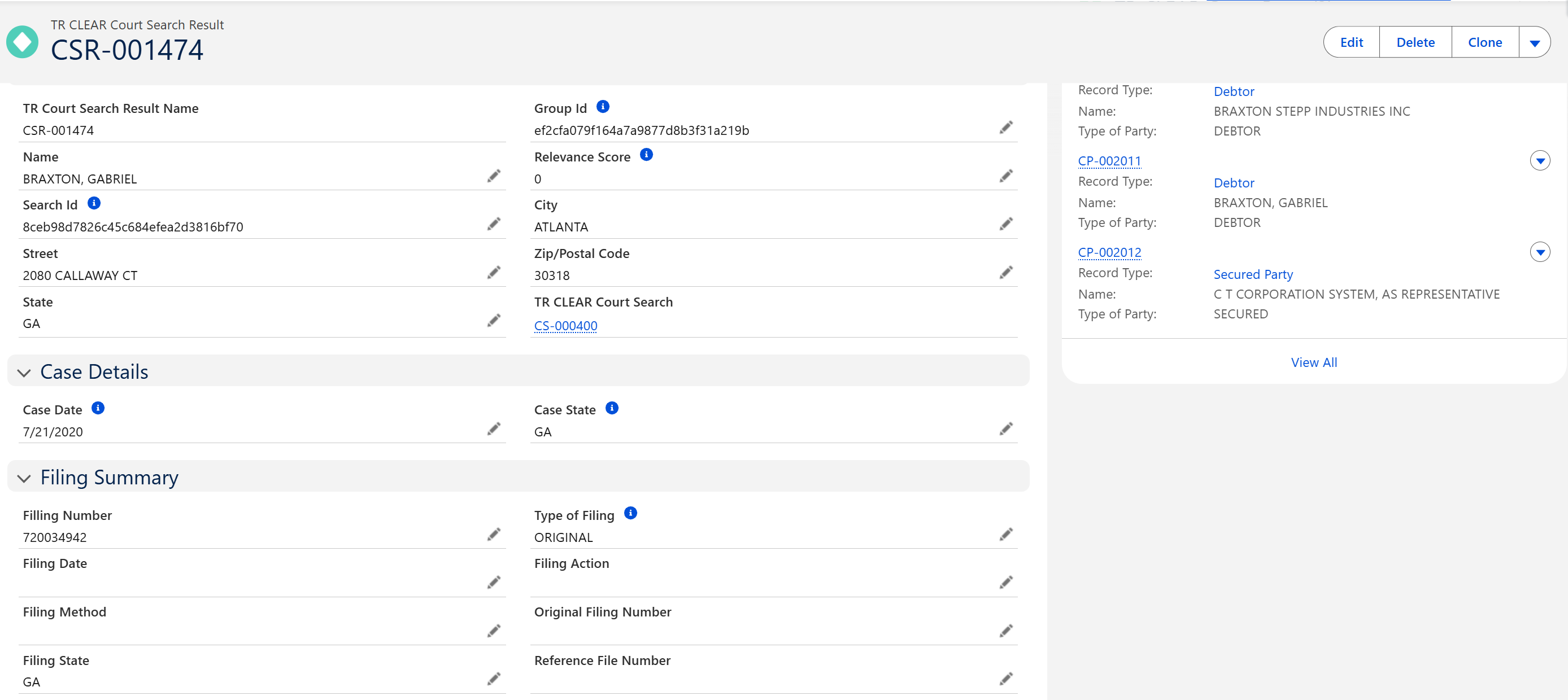
Open the associated UCC Filing record from the Court Search results.
Review information such as:
-
Filing Number
-
Filing Date
-
Filing Status
-
Debtor Information
-
Secured Party Information
-
Filing Jurisdiction
-
Collateral Information, when available
UCC records can be reviewed to identify financing statements or security interests associated with the individual or business.
Review Bankruptcy Records
Open the associated Bankruptcy record to review the bankruptcy filing details.
Review information such as:
-
Bankruptcy Type
-
Filing Date
-
Case Number
-
Court Information
-
Jurisdiction
-
Case Status
-
Debtor Information
Review the available information to determine the relevance and current status of the bankruptcy filing.
Search Status
|
Status |
Description |
|---|---|
|
In Progress |
The search request is currently being processed. |
|
Completed |
The search completed successfully and results are available for review. |
|
Failed |
The search could not be completed. Review the error details and retry the search if necessary. |
Best Practices
-
Review all returned Court Search results before making a decision.
-
Verify that each record belongs to the correct individual or business.
-
Review the filing date and current status of each record.
-
Consider the type and relevance of the filing during the review.
-
Use the Related tab to review all results associated with the Court Search.
-
Access generated reports when additional details are required.