
Overview
This guide provides step-by-step instructions for using the CLEAR ID Confirm and Risk Inform features within Salesforce. These tools allow users to perform real-time identity verification and risk analysis directly from Salesforce records, leveraging Thomson Reuters’ authoritative data sources.
CLEAR ID Confirm and Risk Inform
1. Log In to Salesforce
➡ Access your Salesforce org with the appropriate credentials.
2. Navigate to the Source Record
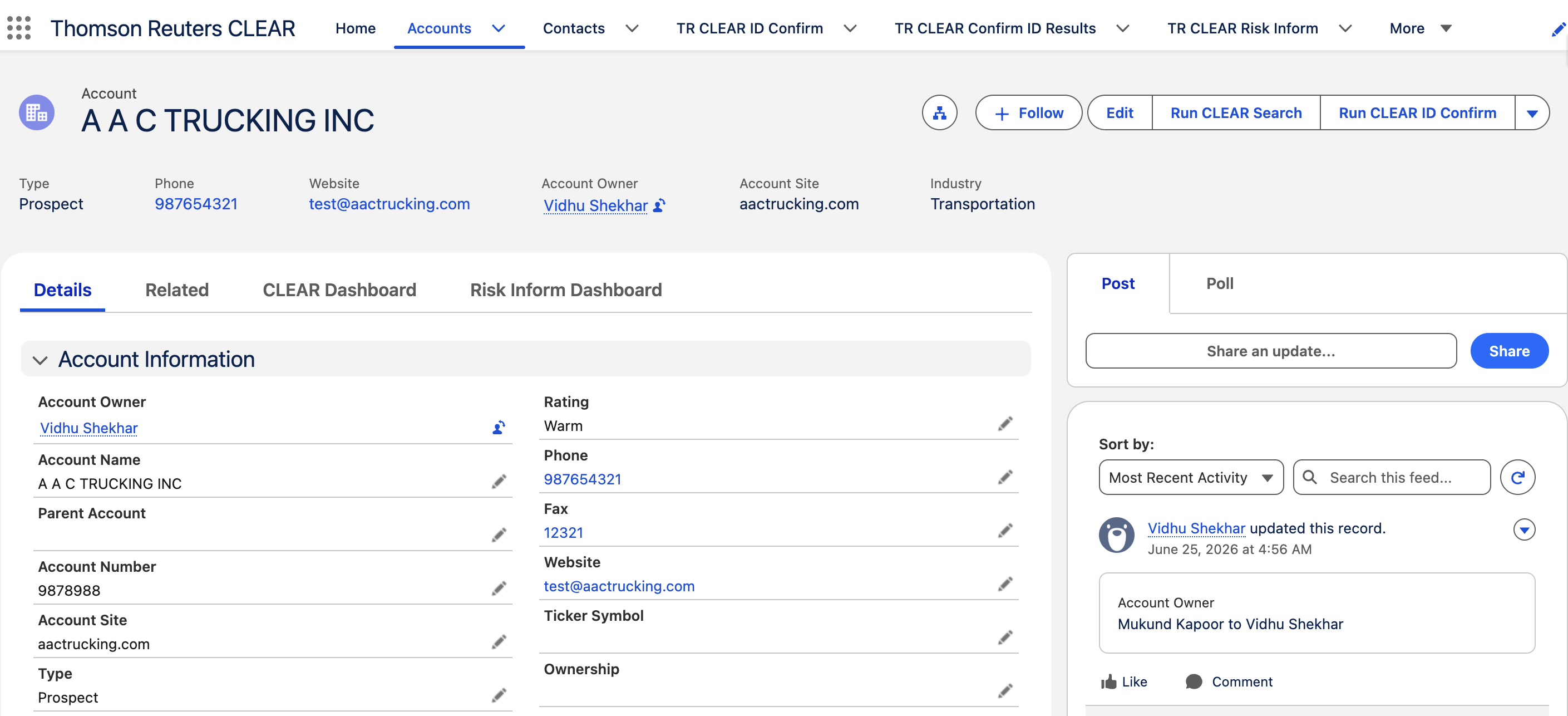
Open the Salesforce record where TR CLEAR ID Confirm has been configured. In the example below, the feature is set up on the Account object for Business searches, but it can be configured on any standard or custom object.
3. Launch Clear Search
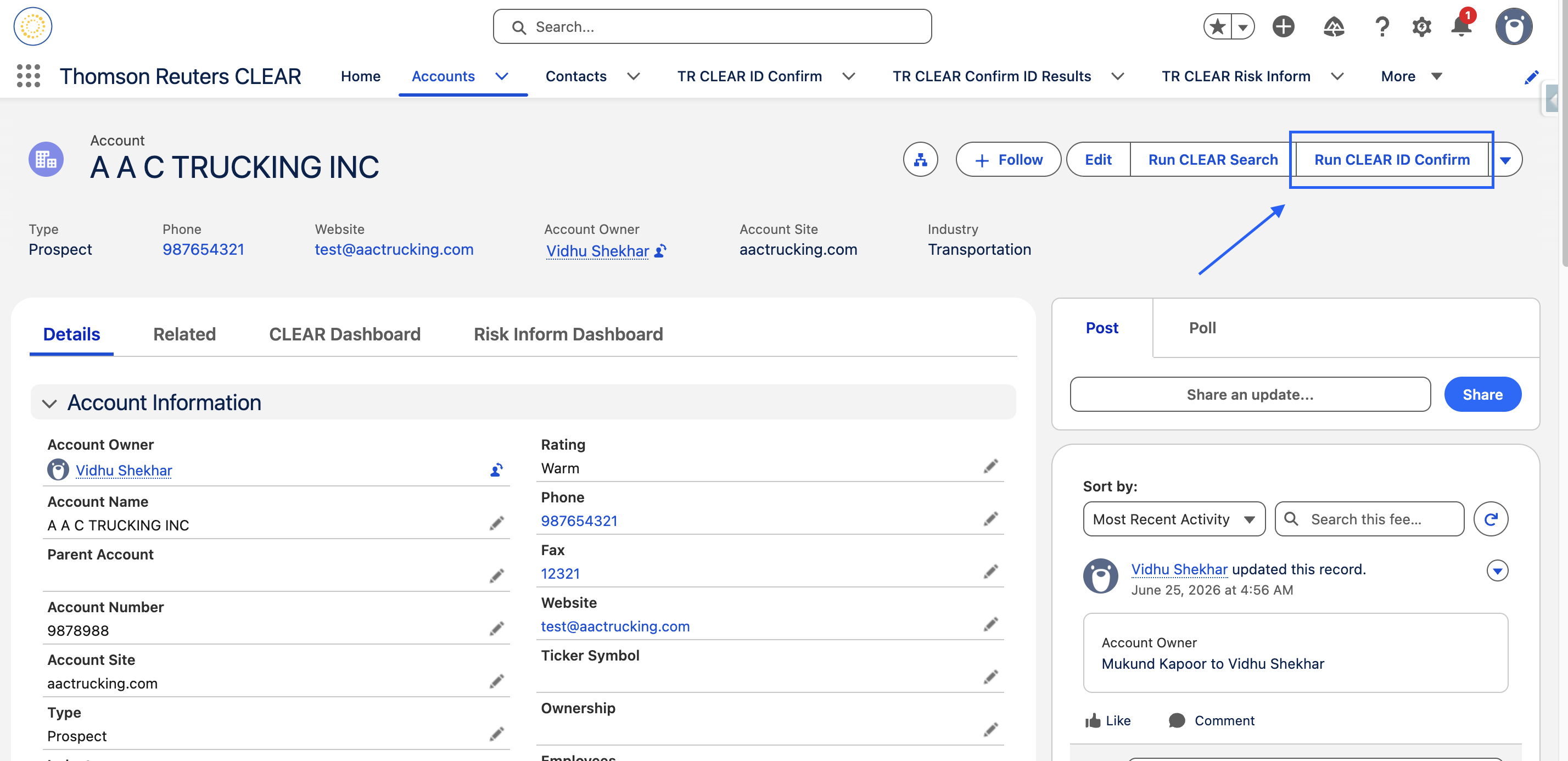
Click the Run Clear Id Confirm Lightning action button.
-
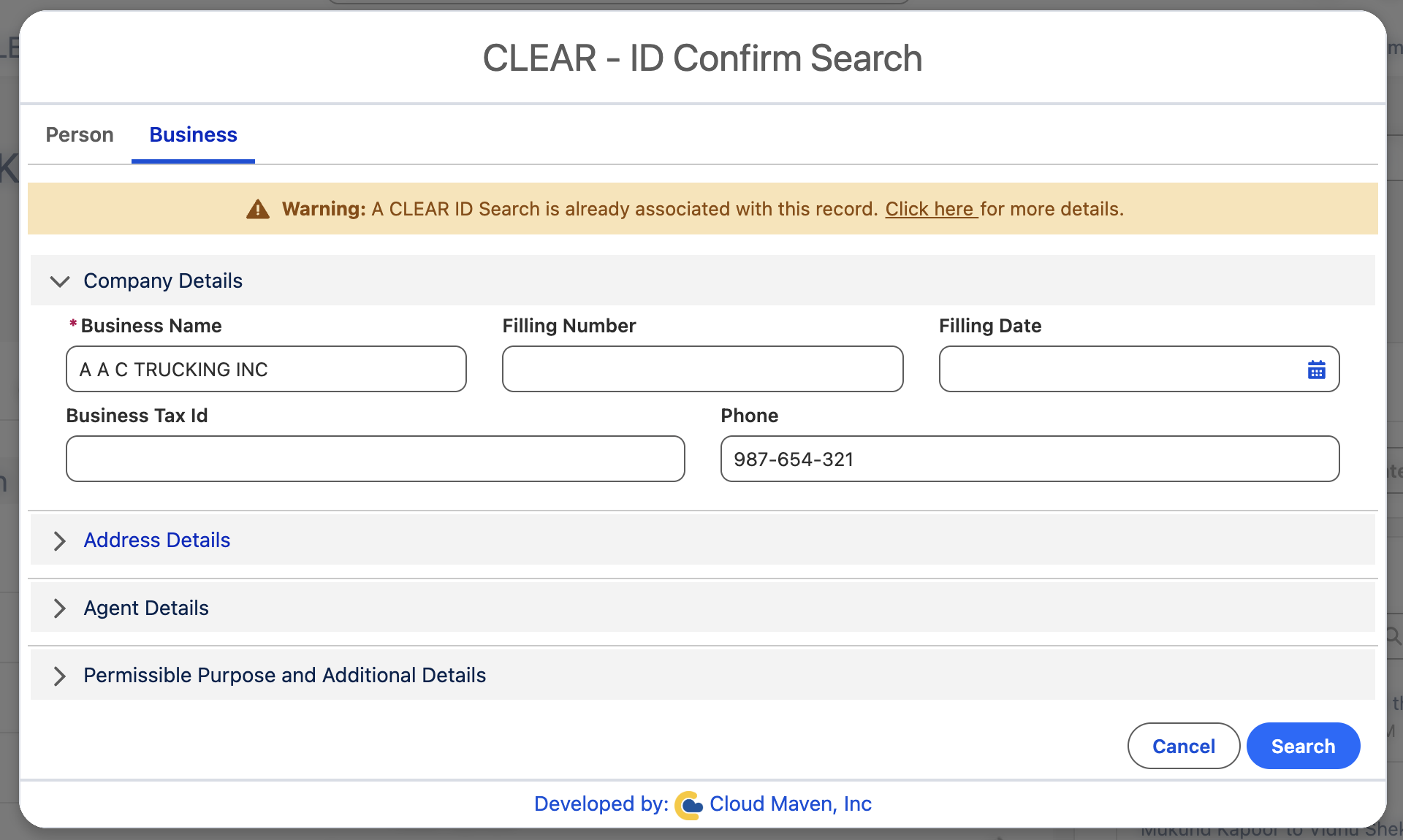
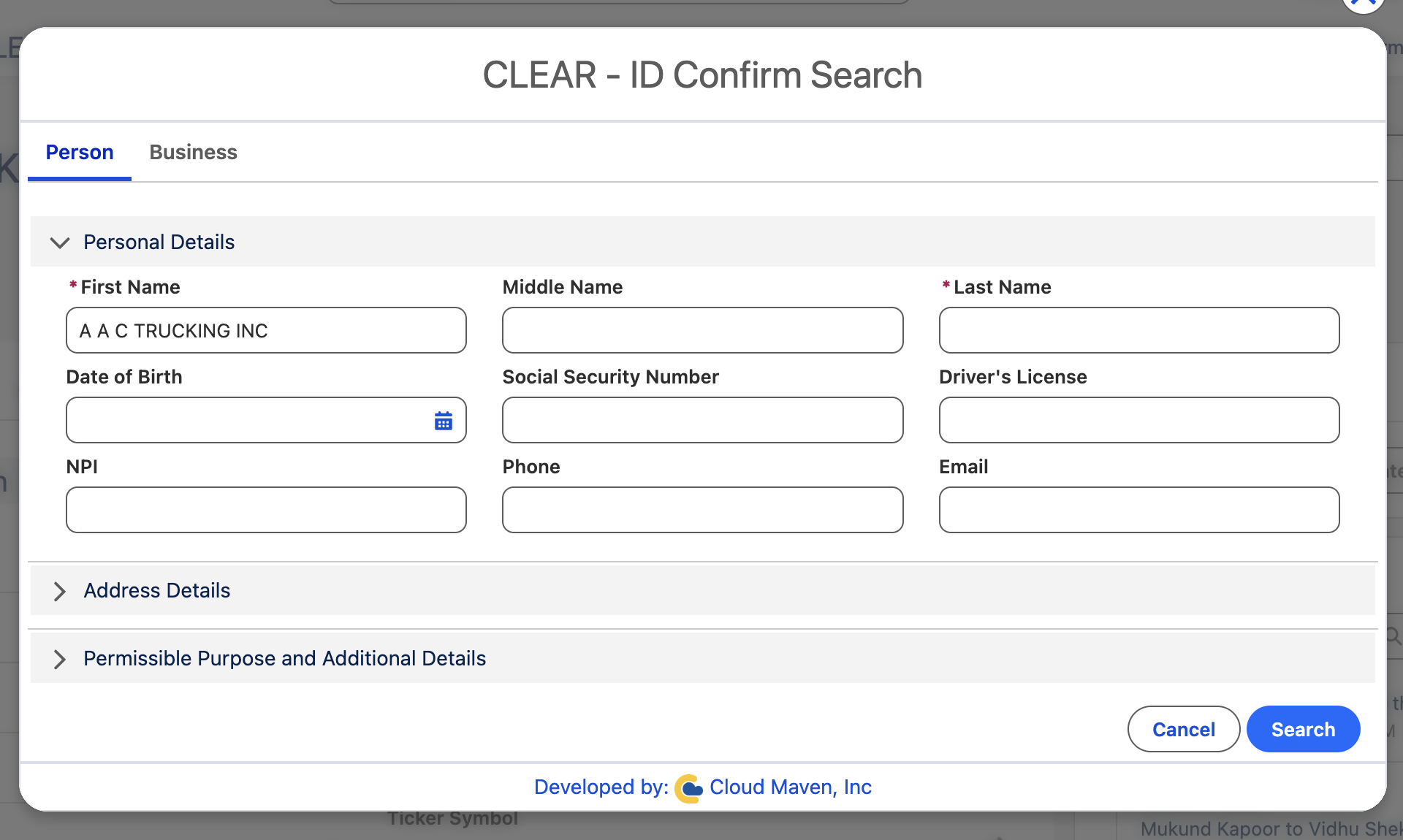
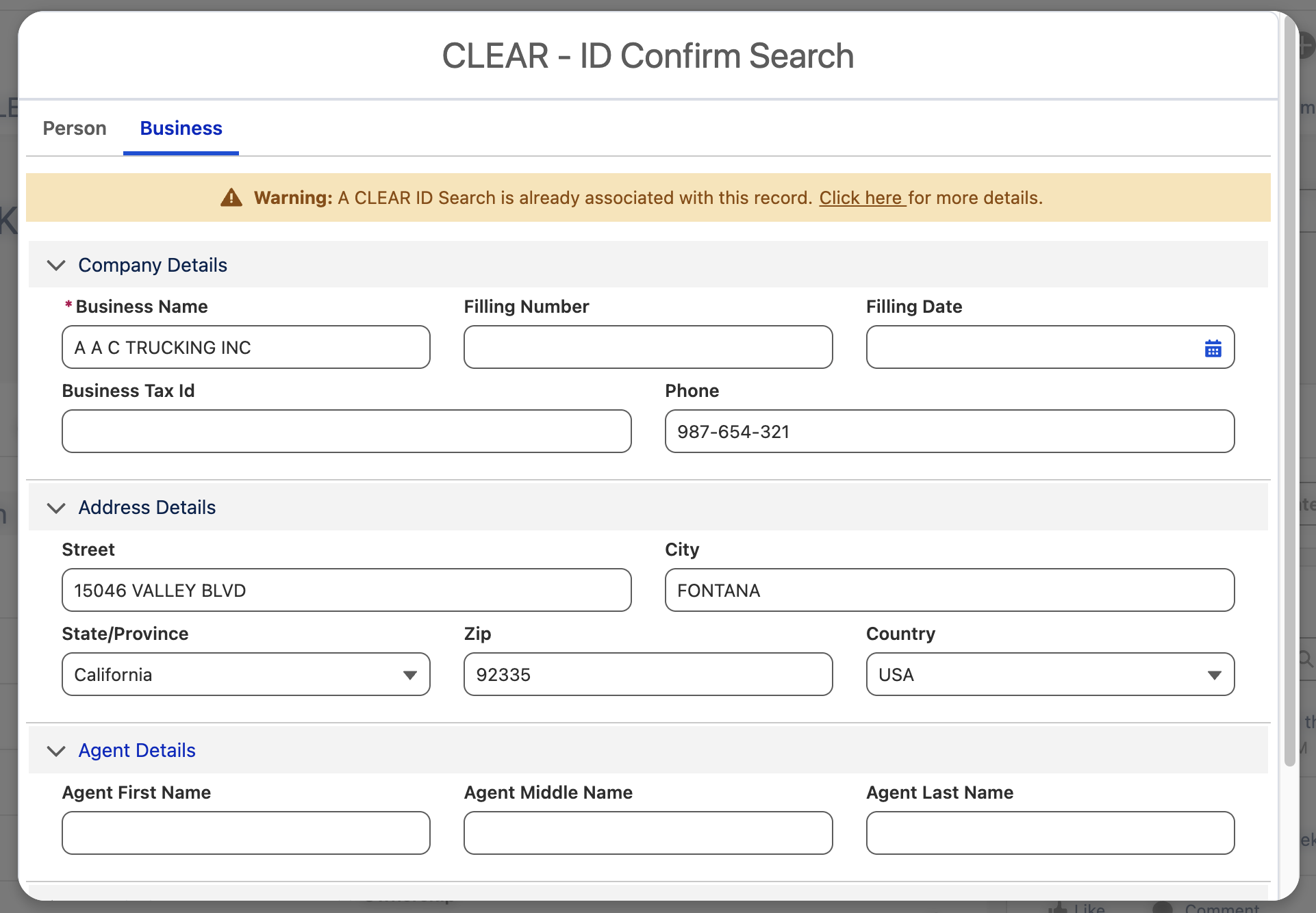
The screen includes two tabs: Person and Business.
You can switch between these tabs to view and edit the corresponding details for each type.
3.1 Business
3.2 Person
4. Configure the Search
Within the component:
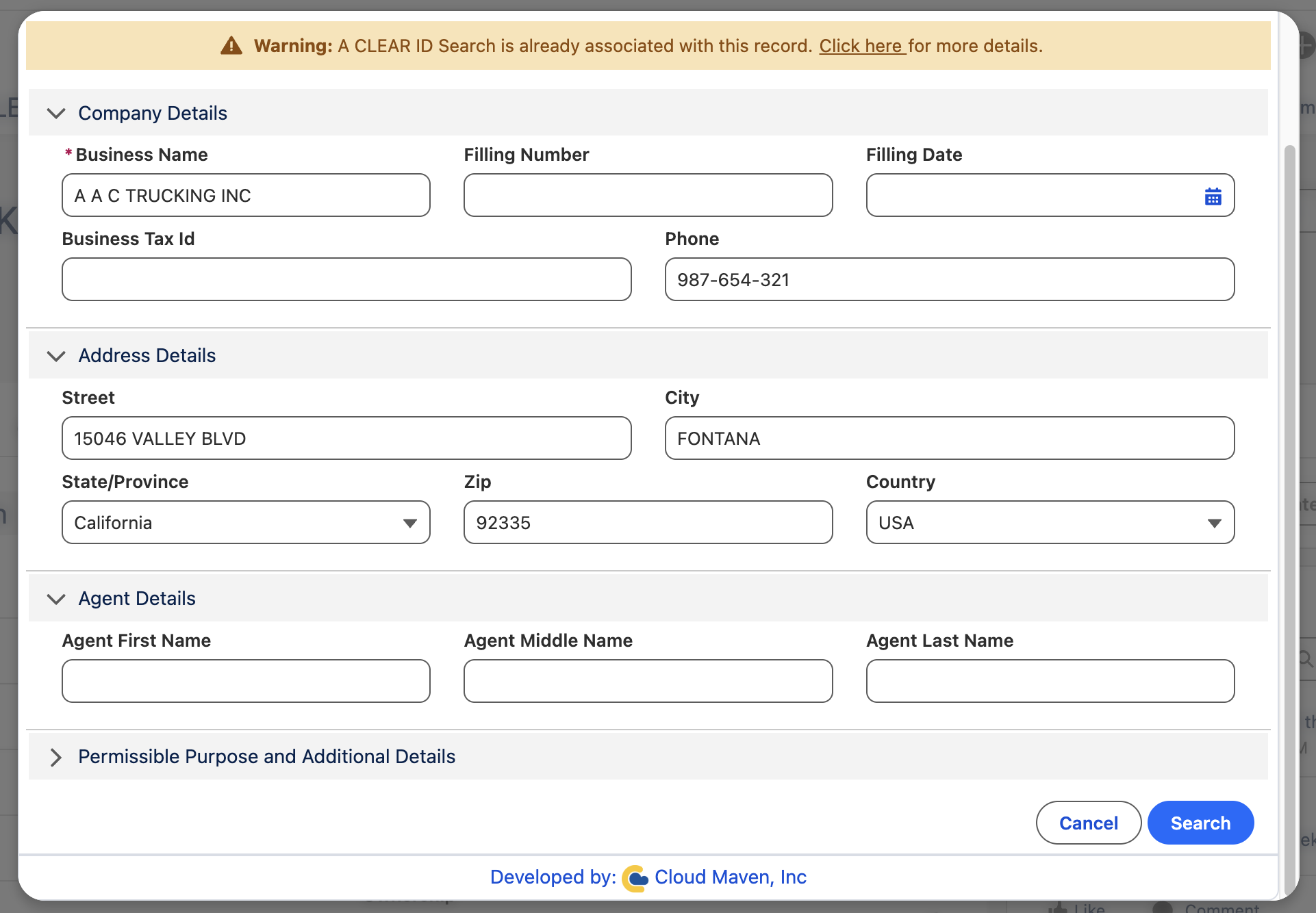
4.1 Review and update auto-filled fields
-
Fields in the search form will be automatically populated using data from the Source Object.
-
You can edit or override these fields as needed.
5. Initiate the Search
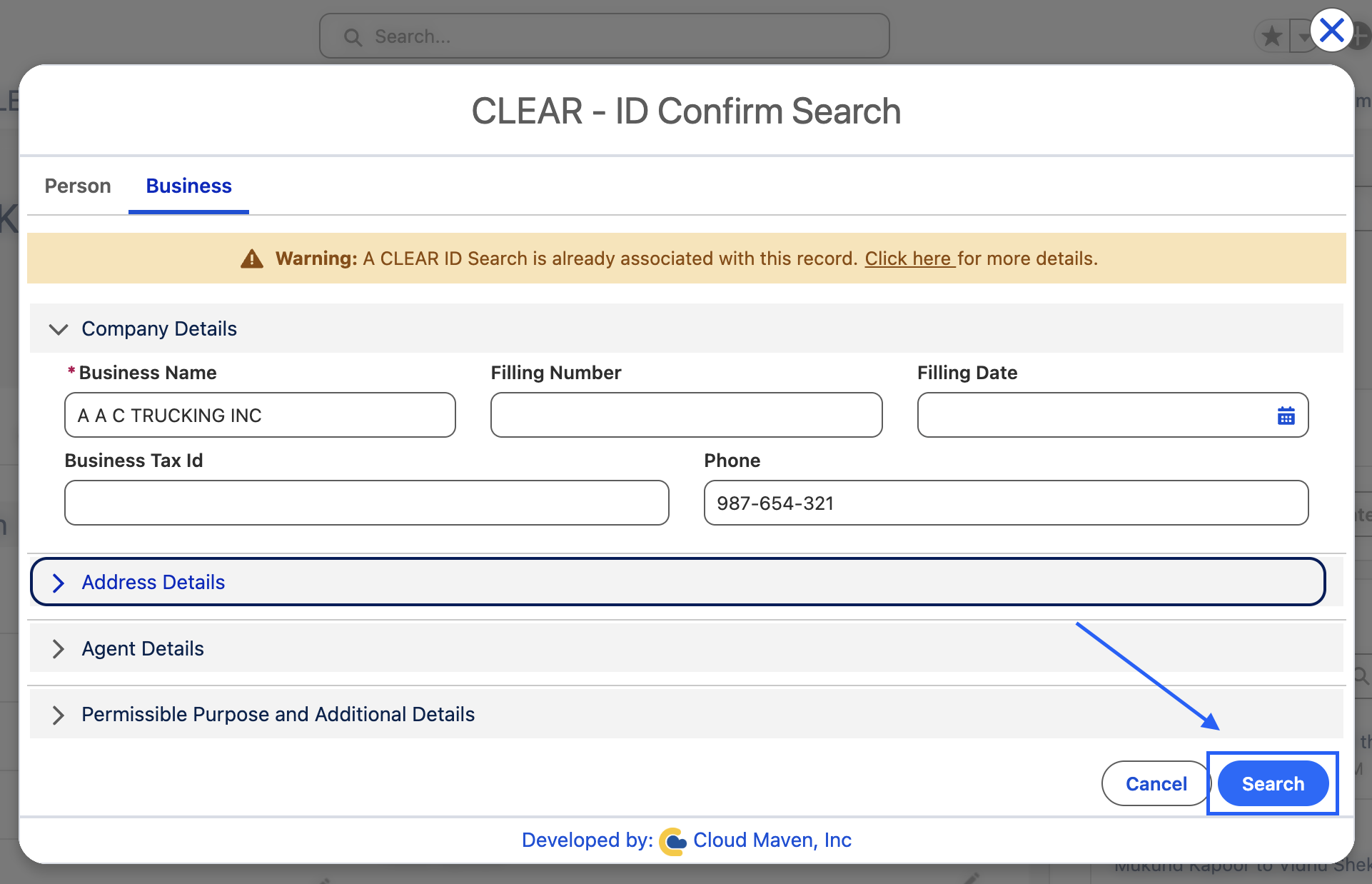
5.1 Click Search to submit the request
5.2 Show Result Screen
This screen show the multiple results and from here you can see for which result you want to run the Risk Inform or just save the record.
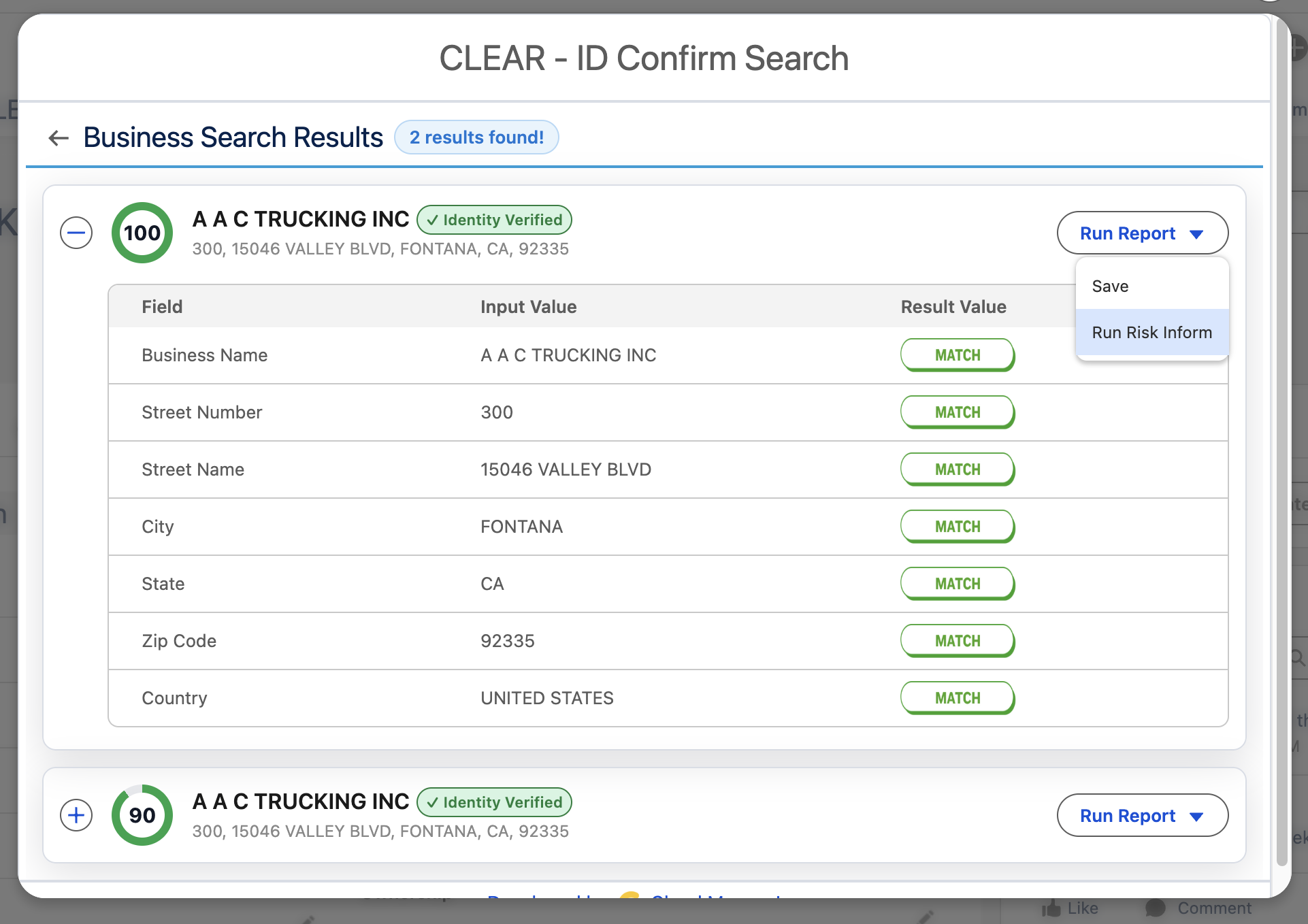
Understanding the results screen:
|
Element |
Description |
|---|---|
|
Score circle |
Total identity match score from Thomson Reuters (0–100). Higher means stronger match |
|
Identity badge |
✓ Identity Verified or ✗ Identity Not Verified based on Thomson Reuters' verification decision |
|
Field match table |
Shows each submitted field, the value Thomson Reuters found, and whether it matched |
|
Run Report button |
Action dropdown — see Step 6 |
6.Run Report
Run Risk Inform
Click Run Risk Inform to simultaneously save the ID Confirm result and generate a full Risk Inform report for the selected entity. After clicking Run Risk Inform you will be redirected to the Risk Inform Dashboard.
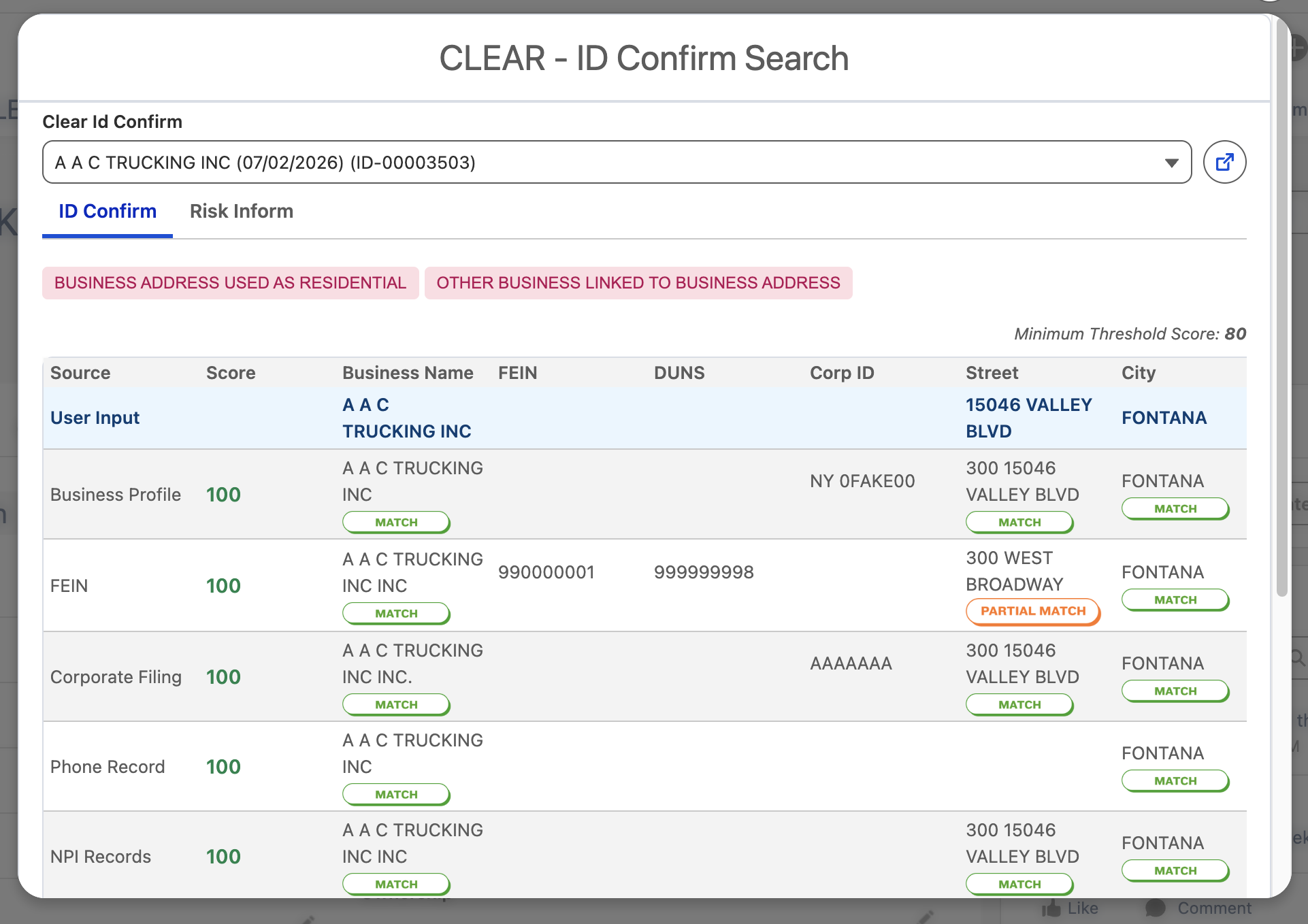
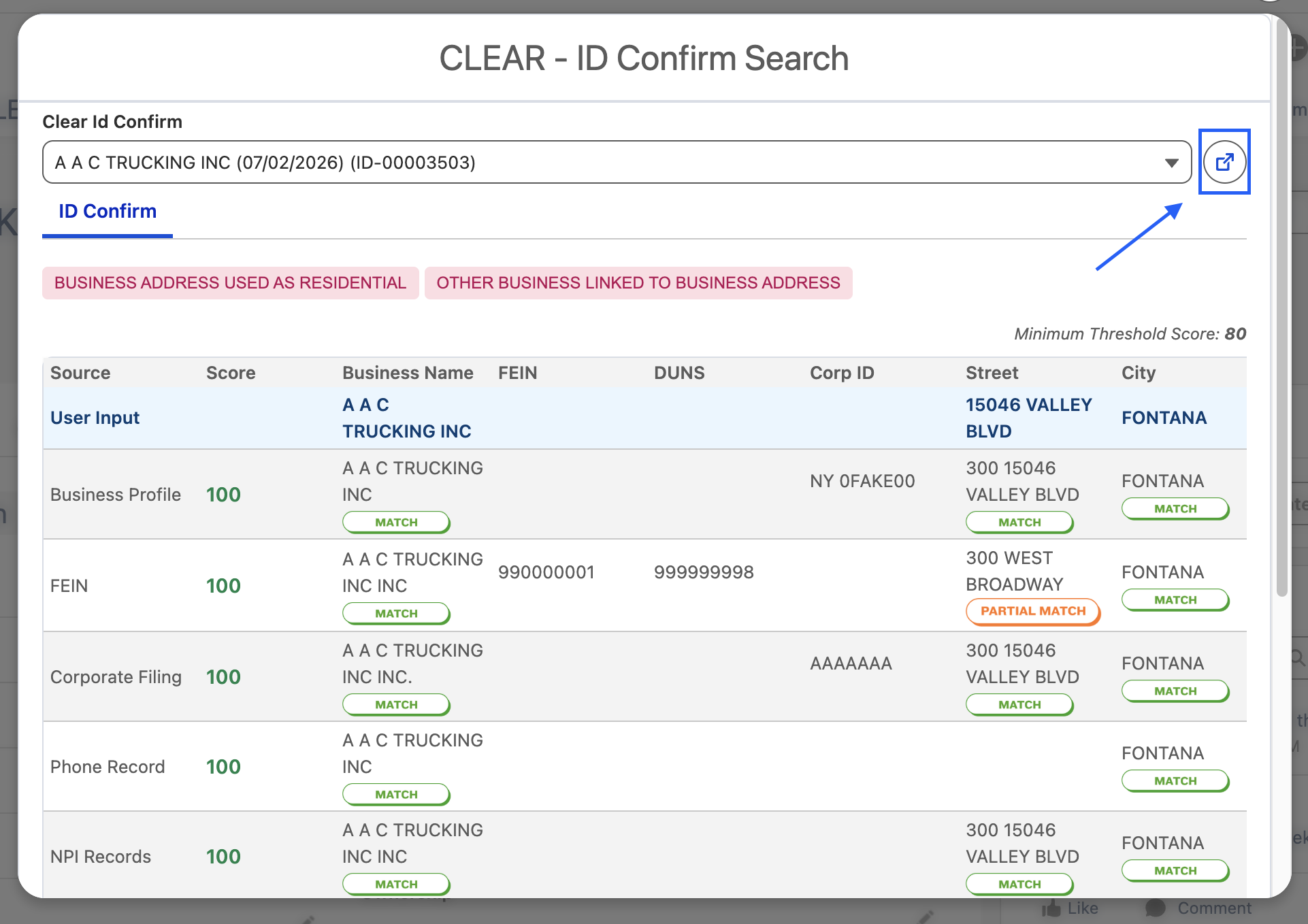
You can also open the record by clicking on the Redirect icon
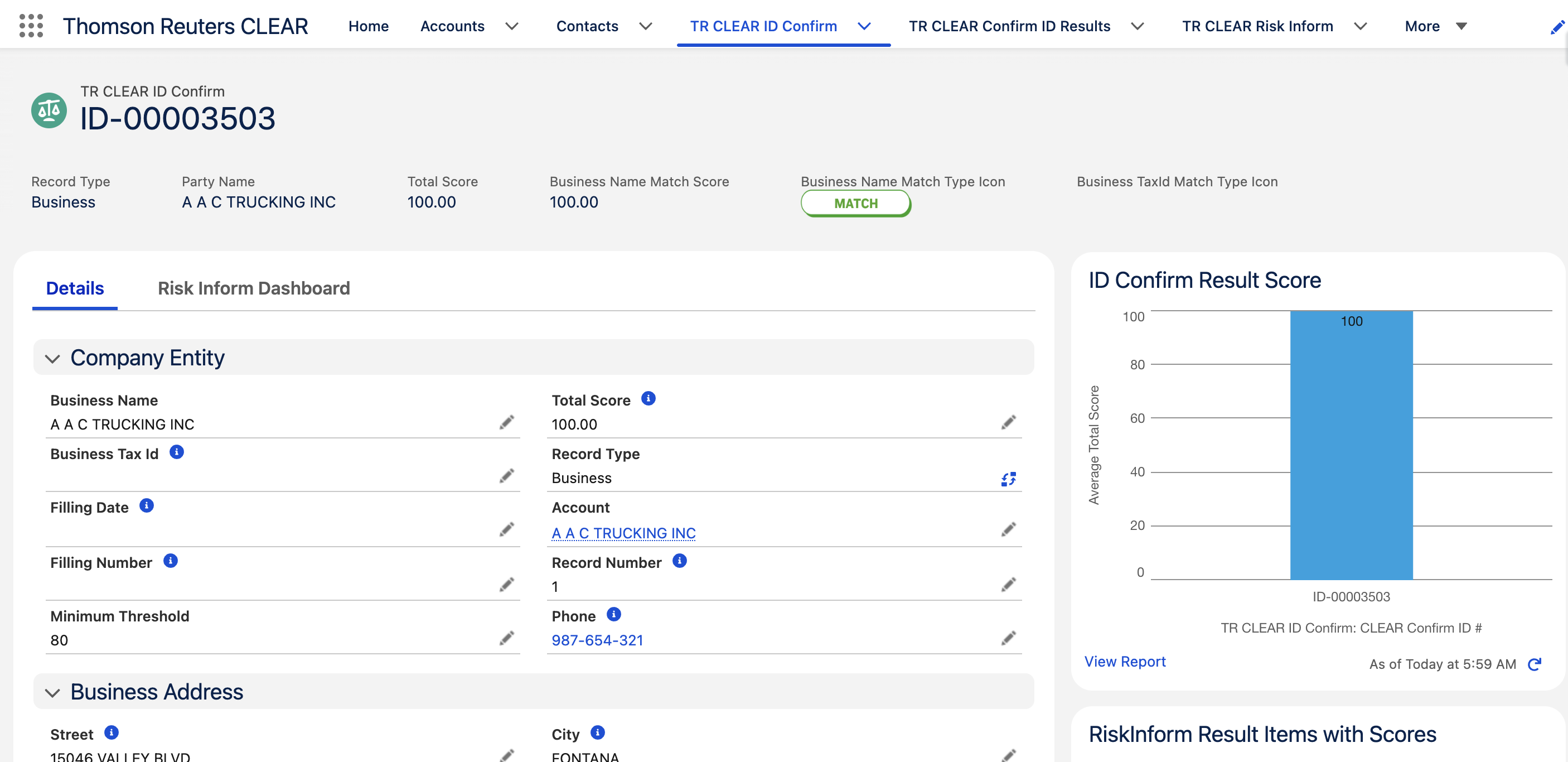
7. Review Results
➡ Please refer to the detailed guide here:
https://cloudmaven.atlassian.net/wiki/external/NGY4NThkMGVkZTU4NDYxZTk2NTliY2JmOTE2NDMyZjA
📩 Need Help?
For any questions or support, don't hesitate to get in touch with us at:
📧 support@cloudmaveninc.com