
Note: This guide provides step-by-step instructions for reviewing the results of CLEAR ID Confirm, Risk Inform, and Adverse Media searches. After a search is initiated, users are automatically redirected to a TR CLEAR ID Confirm record, where they can analyze identity verification status, reputational risk indicators, and adverse media findings—all powered by Thomson Reuters’ authoritative data sources. This guide outlines how to access, interpret, and navigate each result type efficiently.
Review CLEAR Search Results
After running the CLEAR search, you will be redirected to the TR CLEAR Search record page.
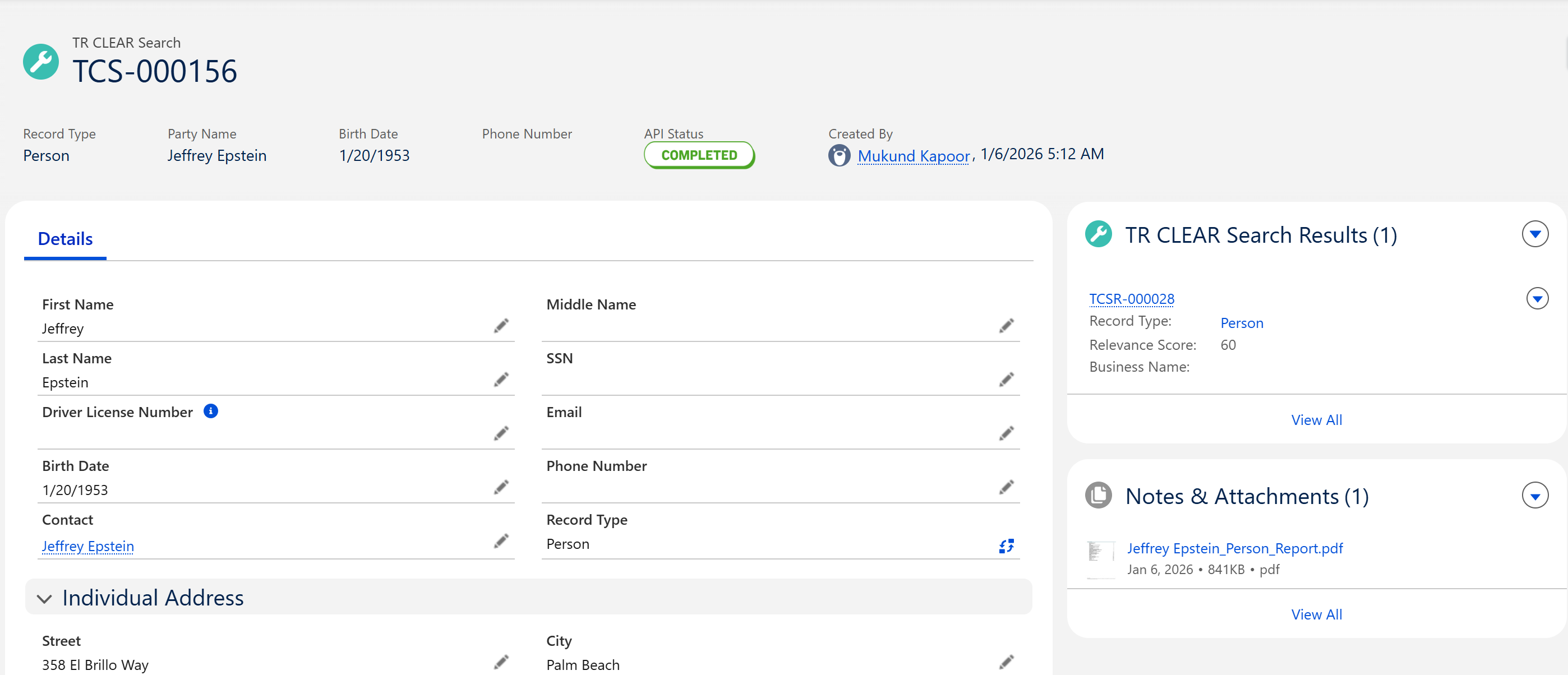
Click on the Related section of the TR CLEAR Search Record Page
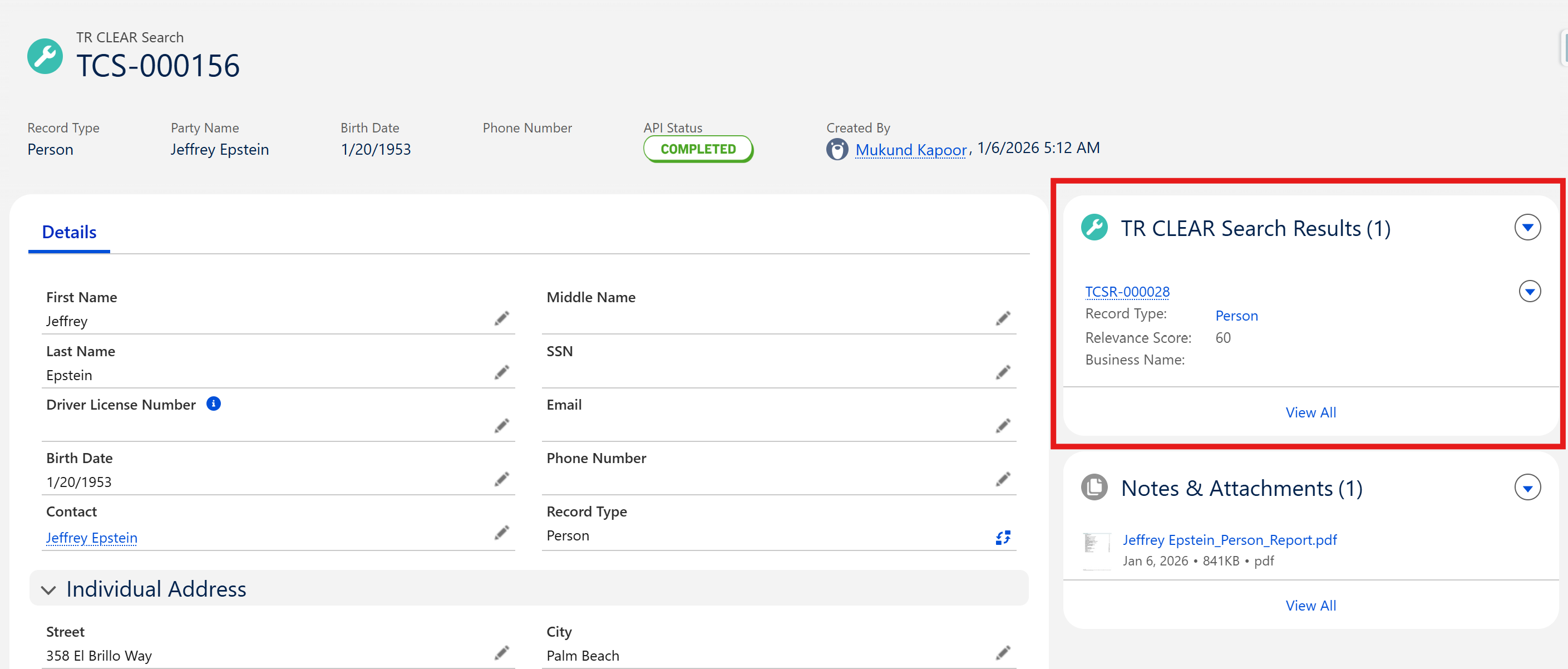
View TR CLEAR Search results
Steps to view CLEAR Search results
Click the link to the associated TR CLEAR Search record.
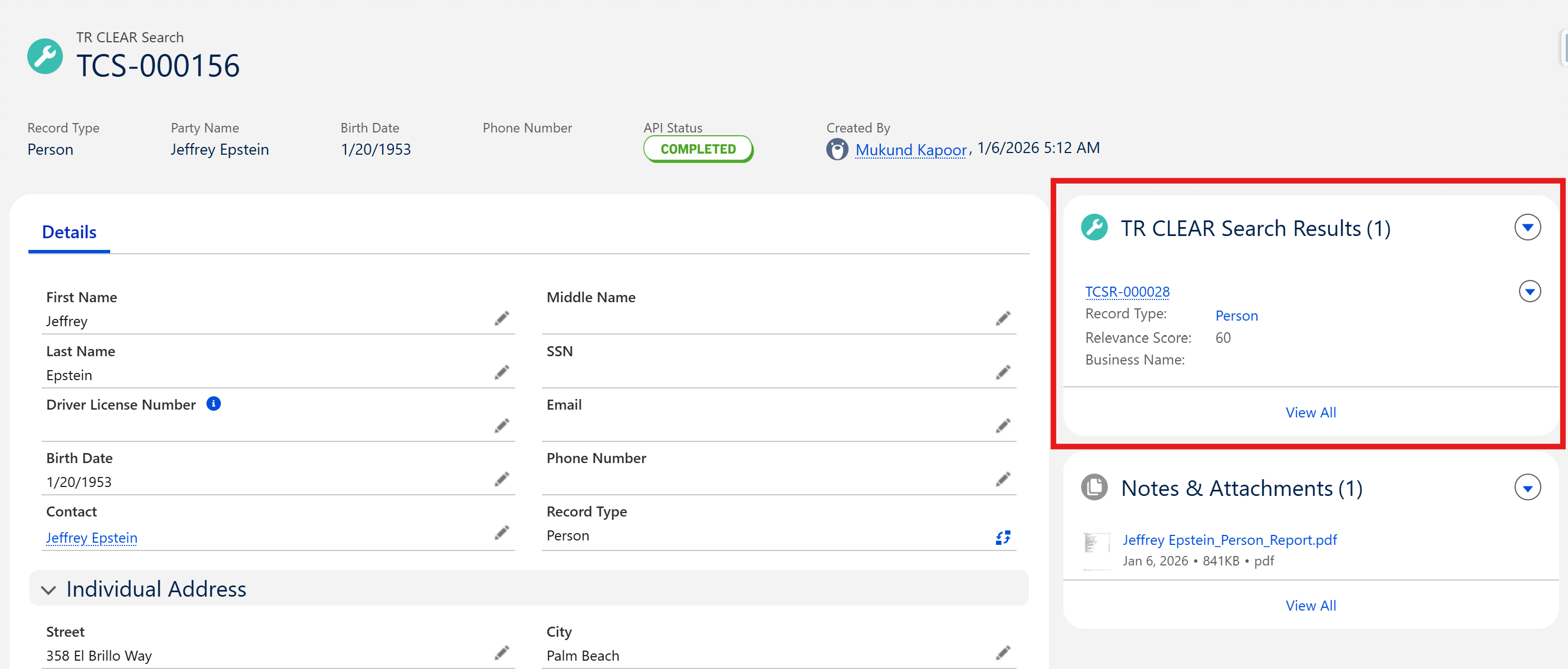
View TR CLEAR Search Results
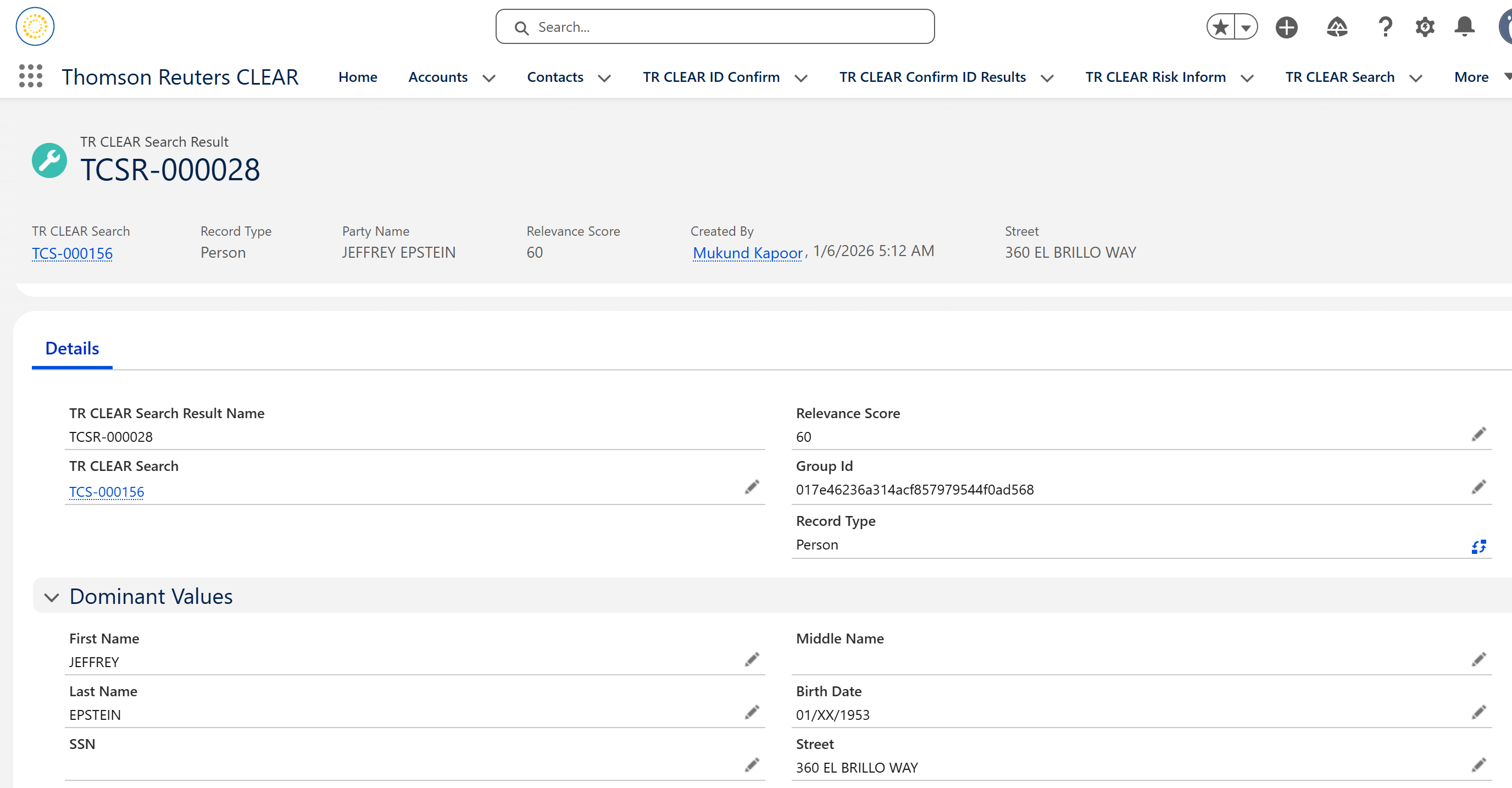
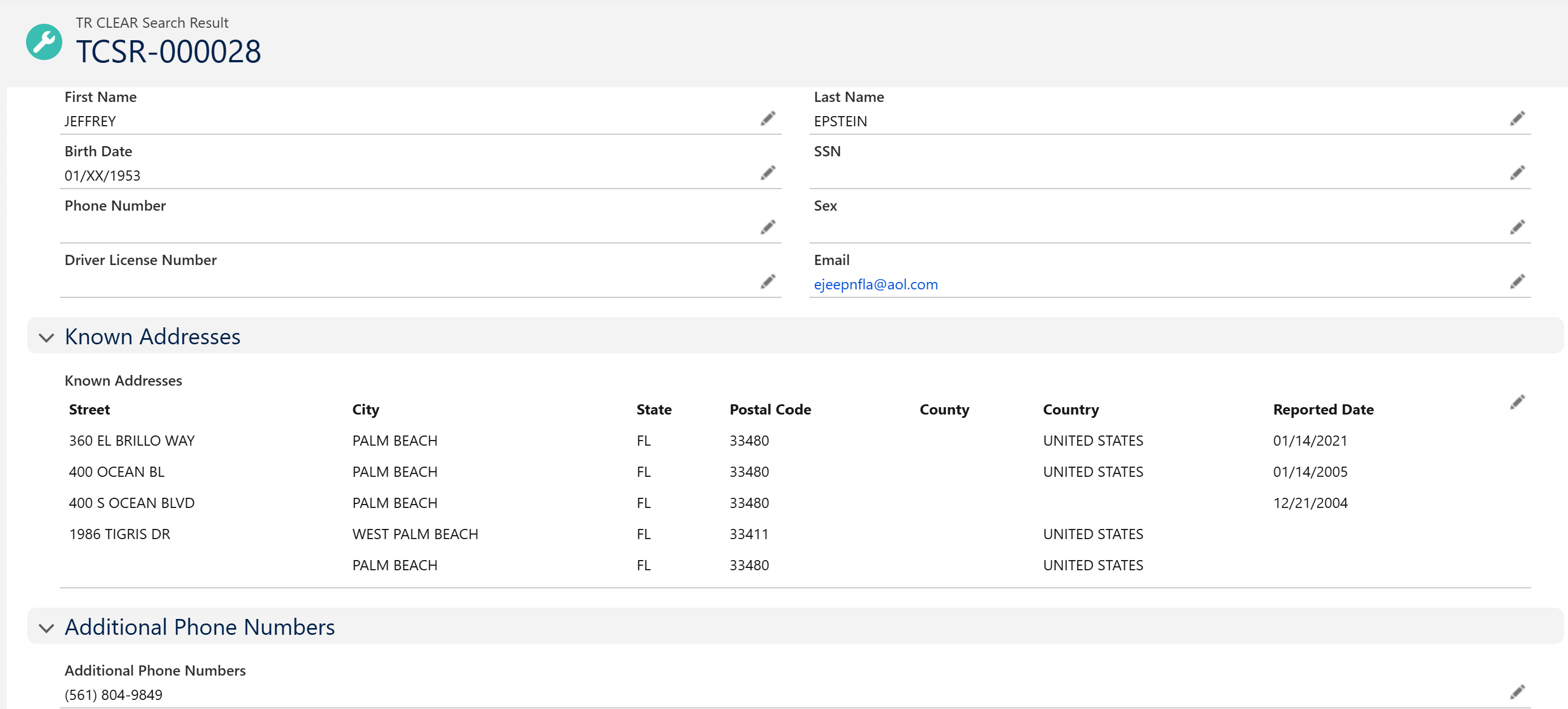
Access TR CLEAR Search Result PDF
Steps to view the ID Confirm search result PDF
Go to the Related section on TR CLEAR Search record page
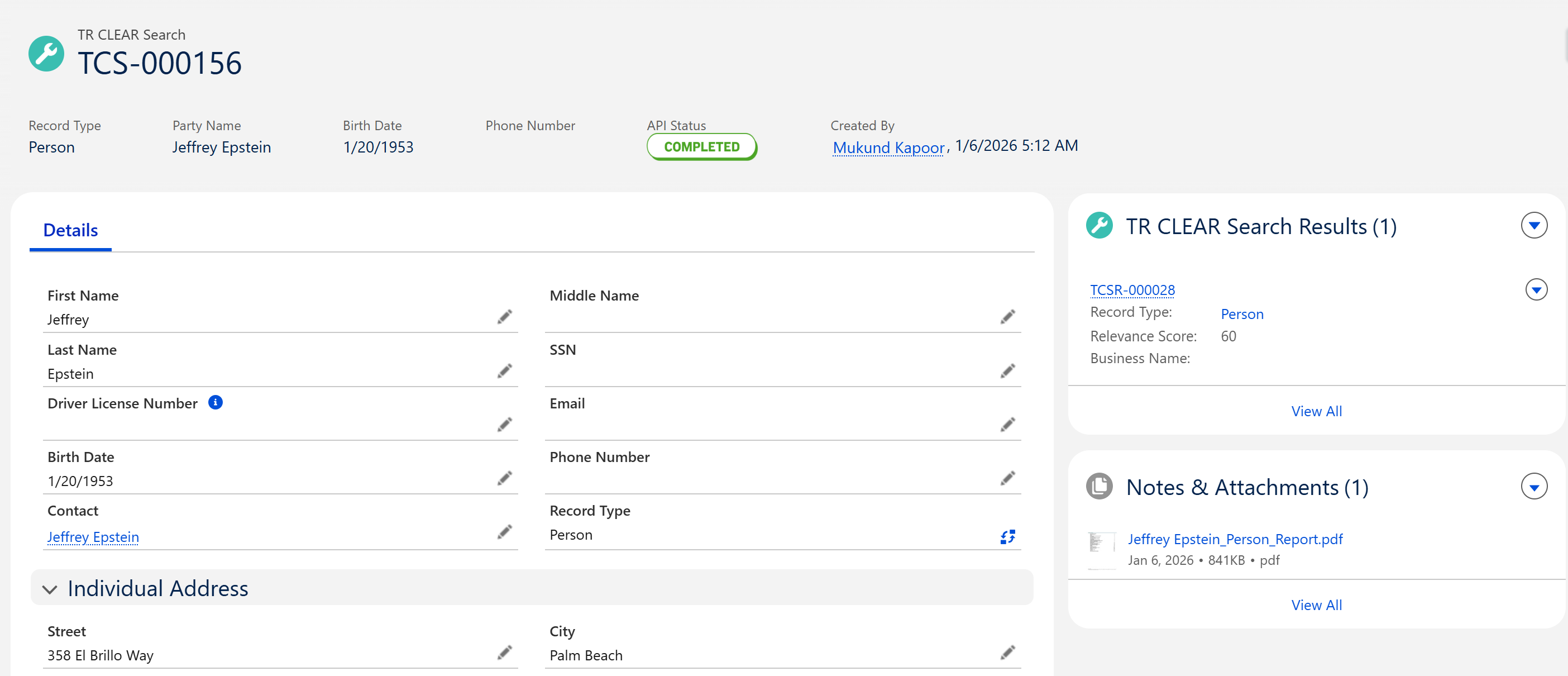
Find the Notes & Attachments Section in the side panel
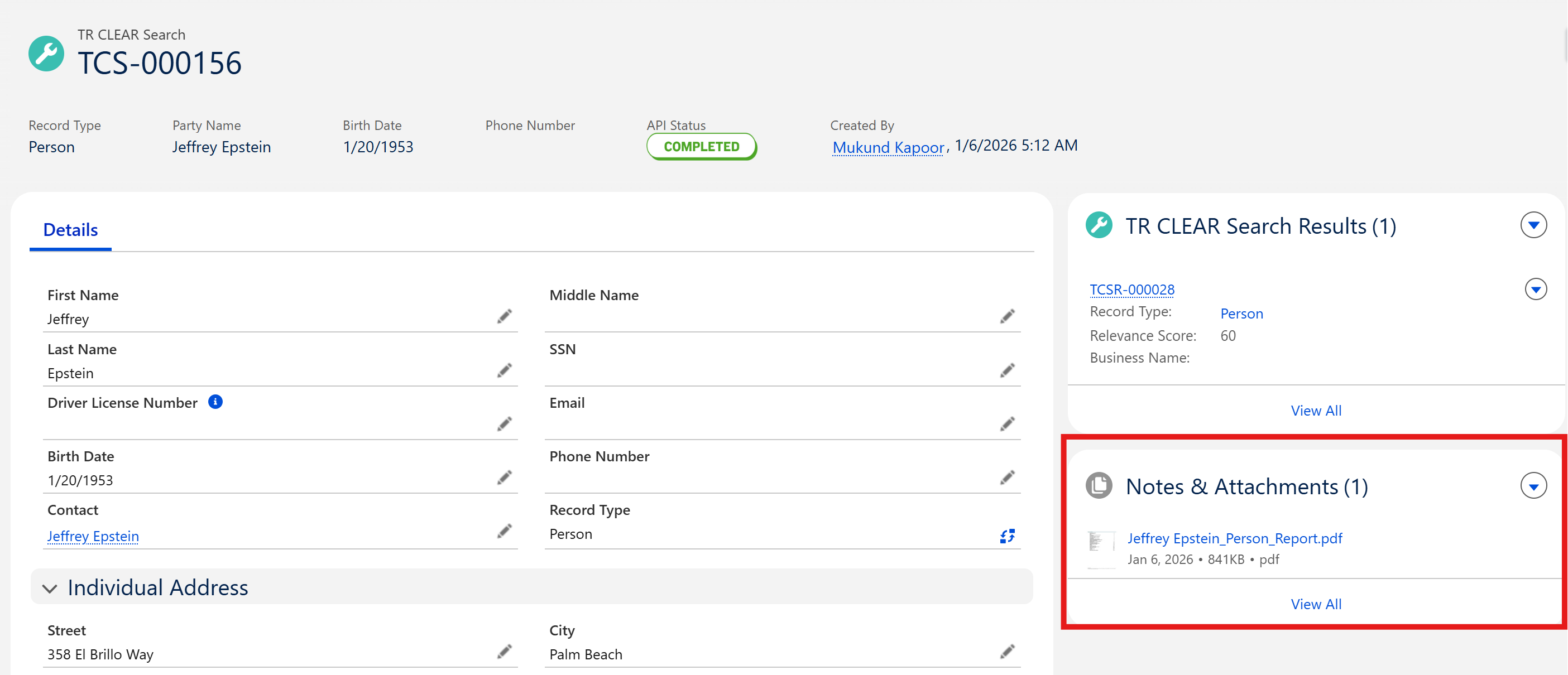
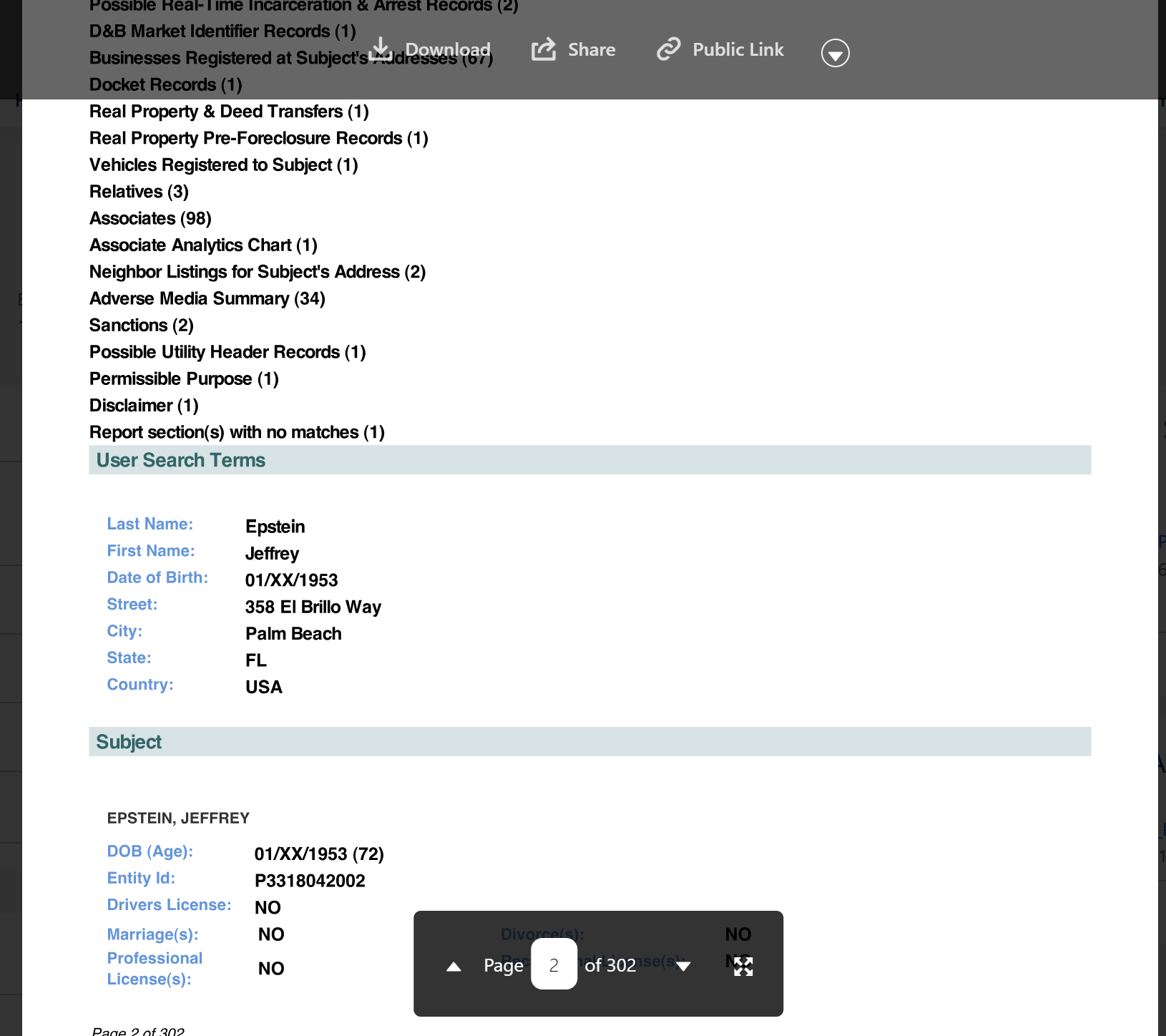
View TR CLEAR Search Result PDF Report
📩 Need Help?
For any questions or support, don't hesitate to get in touch with us at: