
1. Log In to Salesforce
➡ Access your Salesforce org with the appropriate credentials.
2. Navigate to the Source Record
-
Go to the detail page of the record (e.g., Account, Contact)
3. Click “Add to Monitoring List”
-
Locate and click the Add to Monitoring List button.

4. Select Member Type and Monitor List
-
Choose Person or Entity(Business) based on if you want to add a person or a business.
-
Select an Existing Monitor List
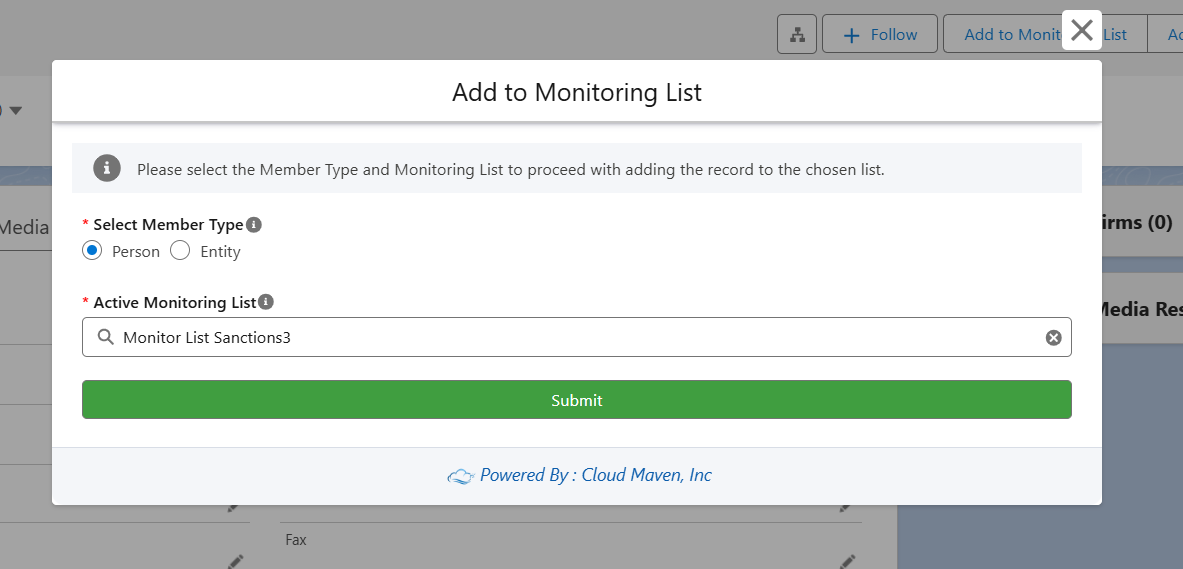
5. Click Add Members
-
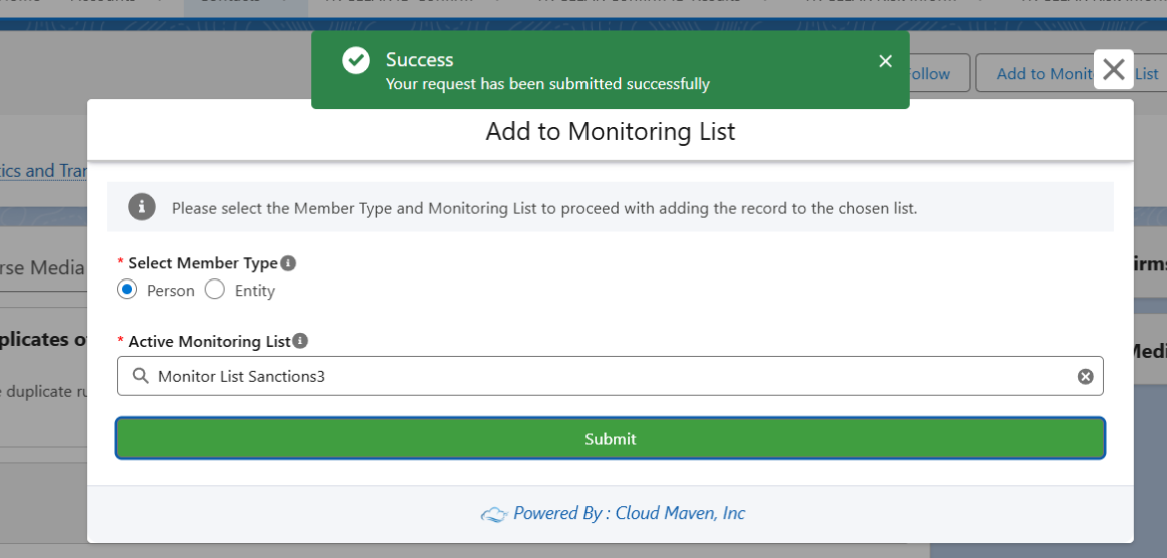
The selected record is added to the chosen monitor list.
📩 Need Help?
For any questions or support, don't hesitate to get in touch with us at: